VelaFi On/Off Ramp feature enables dual-direction exchange between cryptocurrencies and fiat currencies. Once you have successfully activated the fiat channel, you can use this feature to convert between fiat currencies and cryptocurrencies, with essentially the same process for both buying and selling.
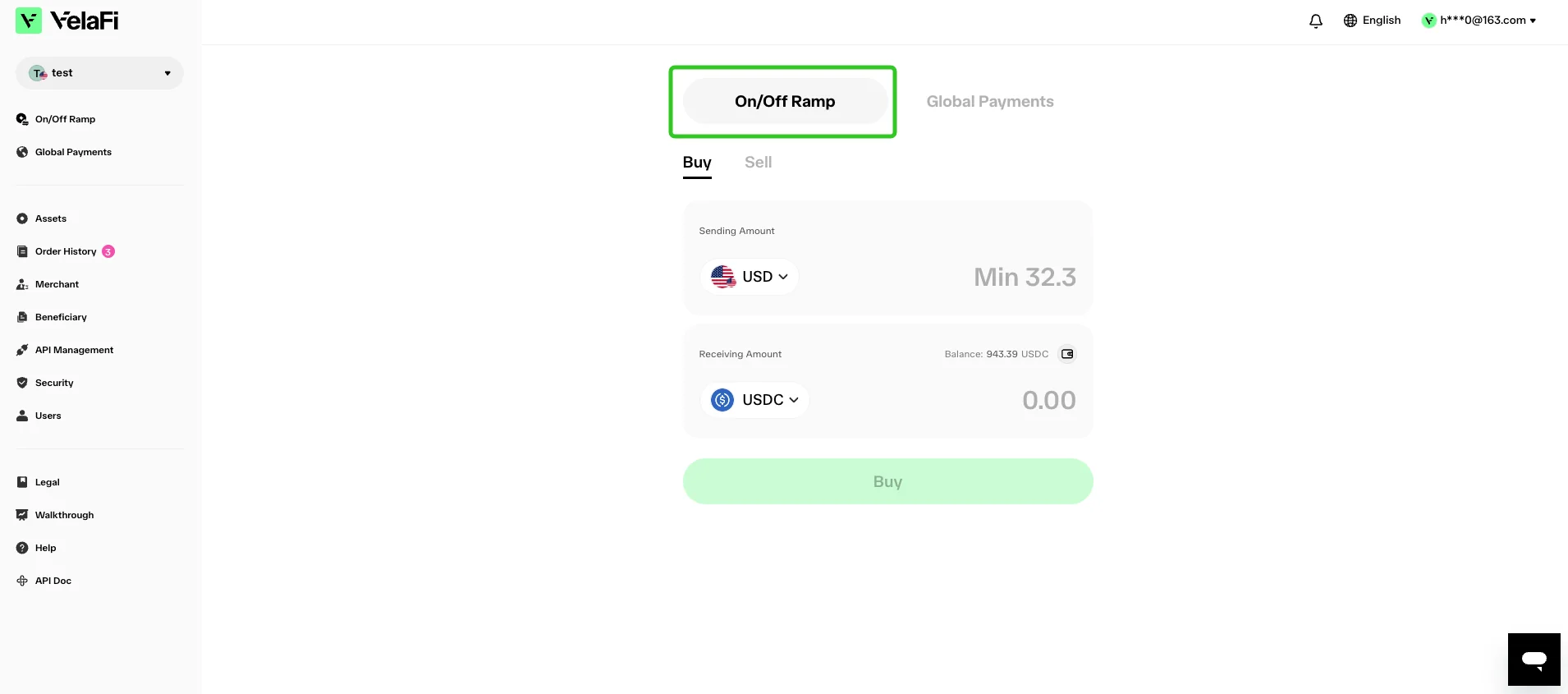
Buy Cryptos
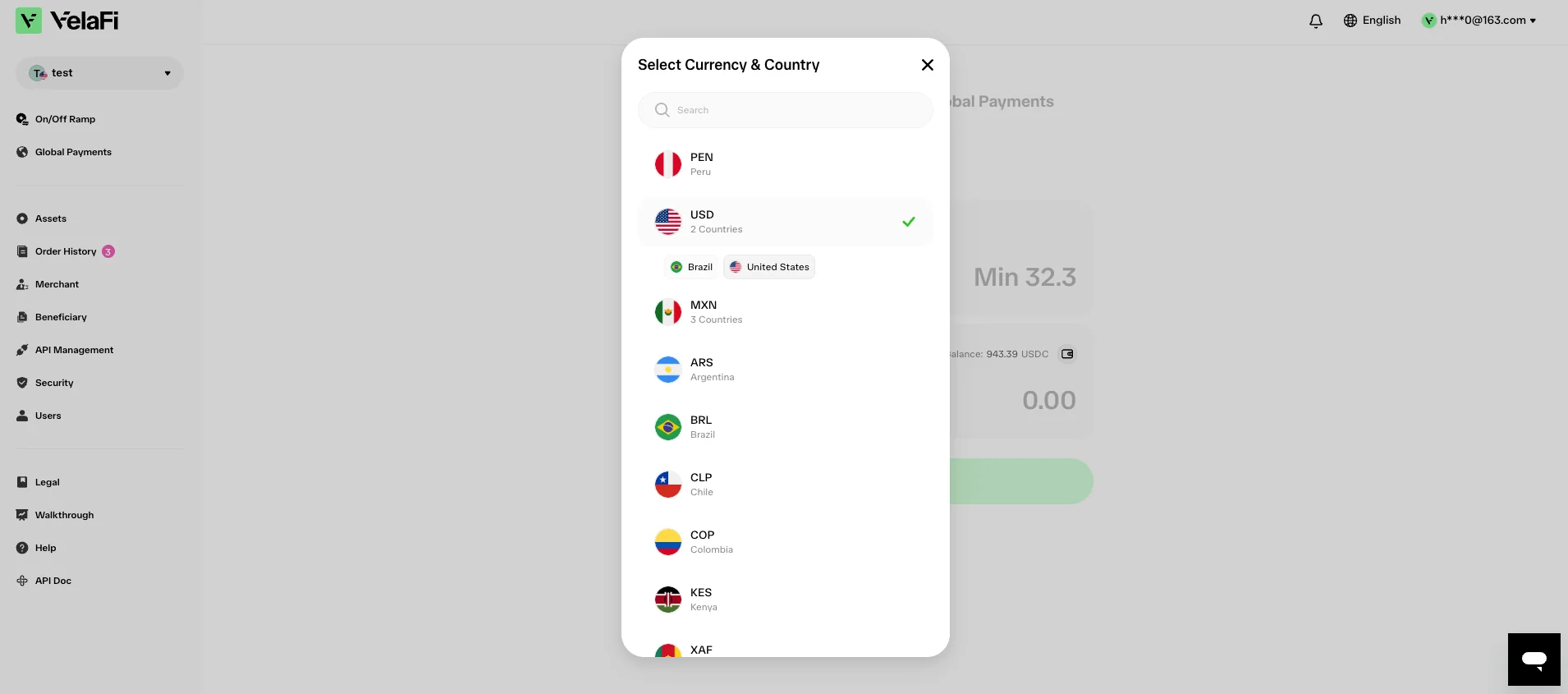
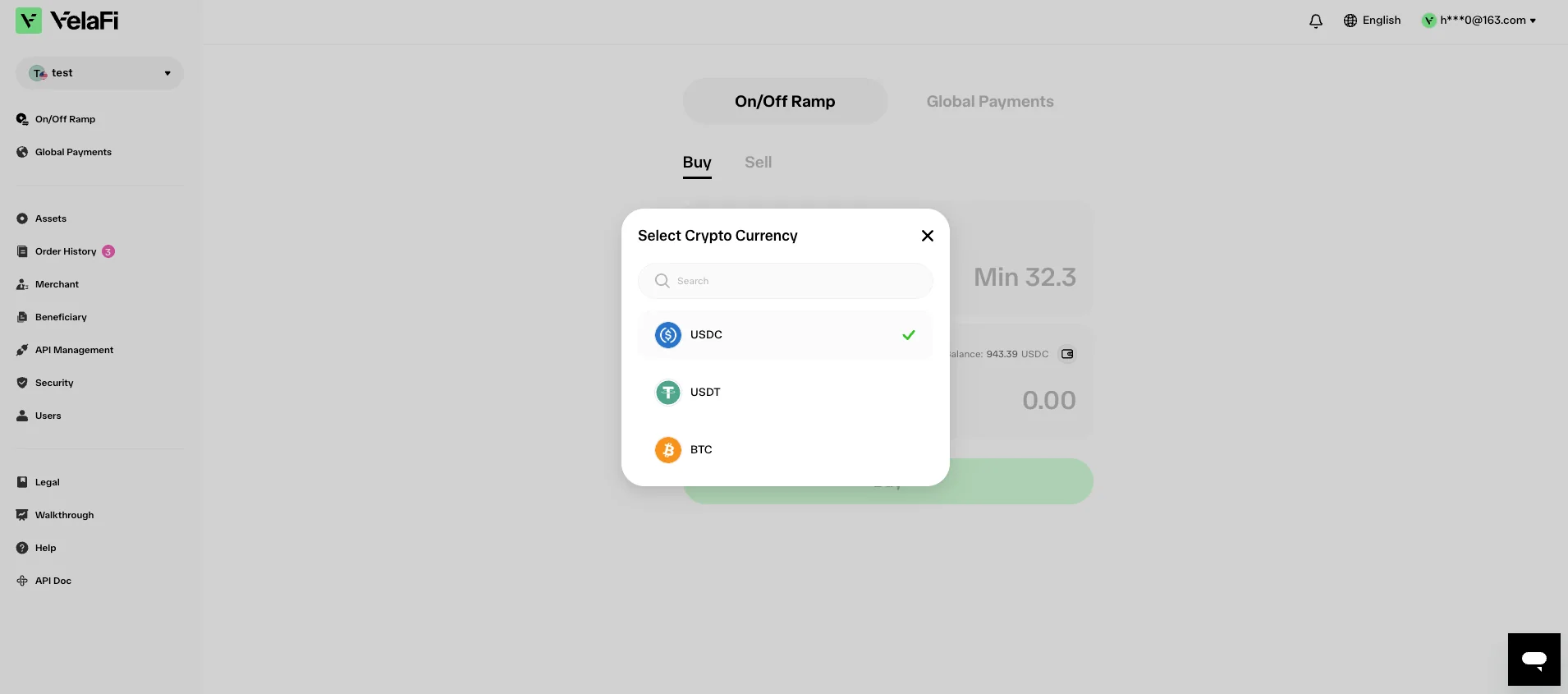
Select the fiat currency you'd like to use and the cryptocurrency you want to purchase.
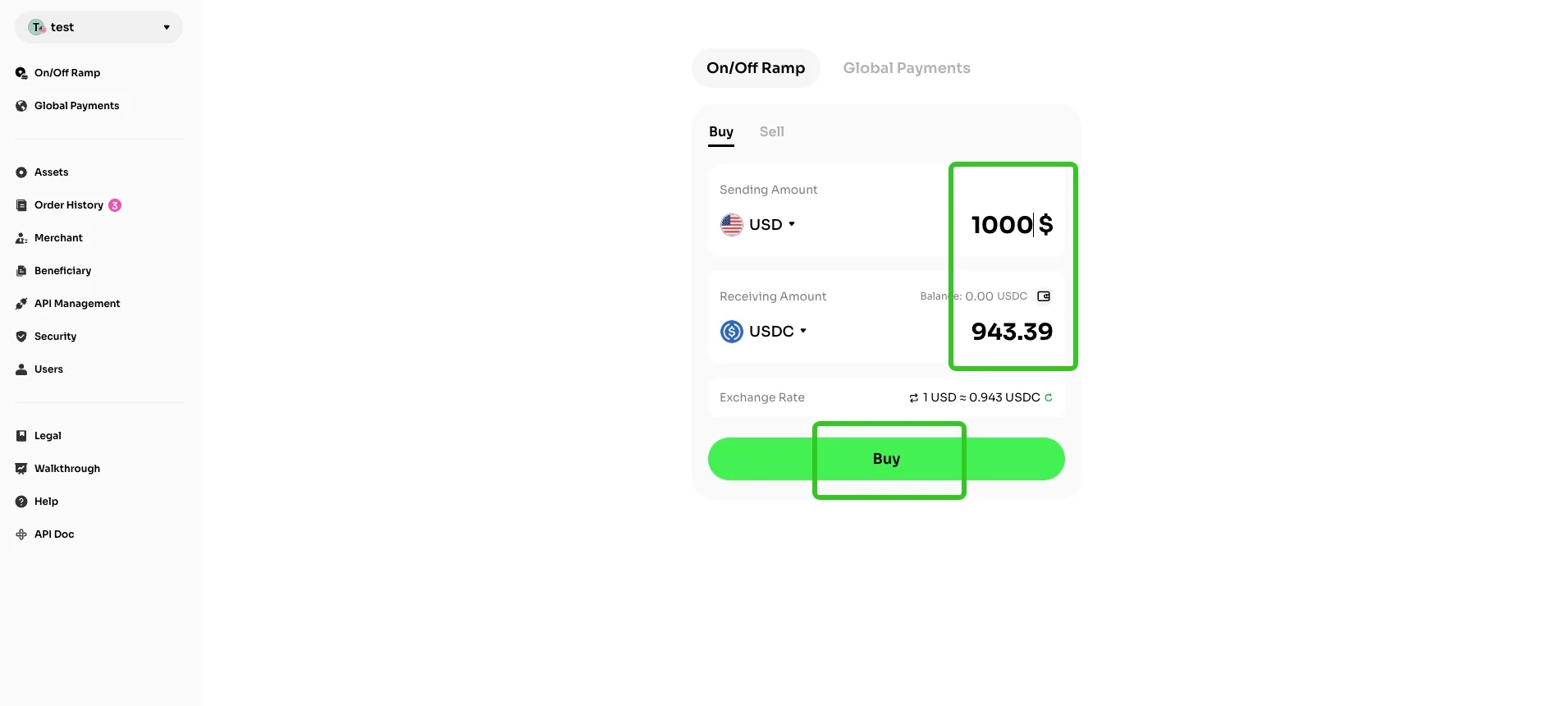
Enter the fiat amount, and the system will automatically calculate the corresponding crypto amount. You can also tap the button in the bottom right corner to refresh the exchange rate, then hit 'Buy' to move on to the next page.
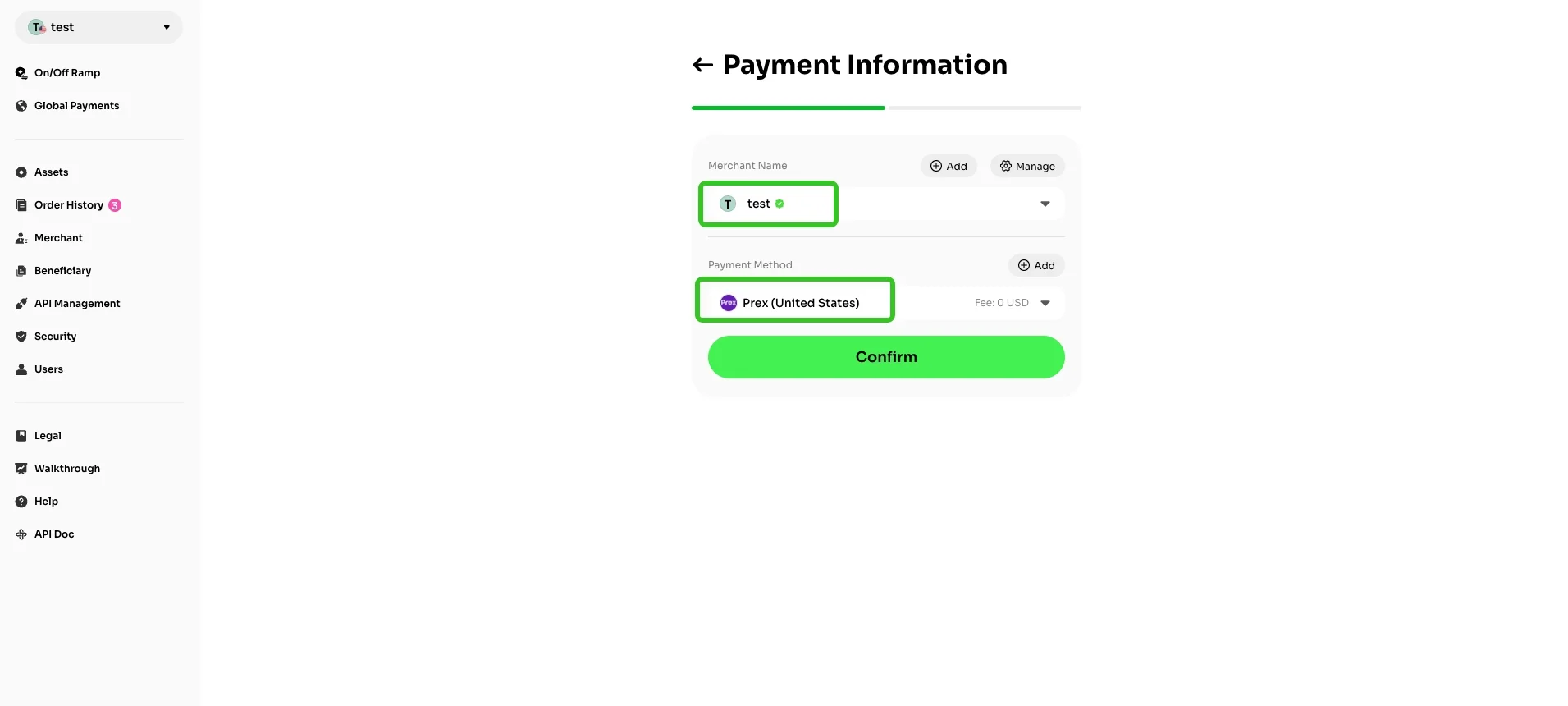
On the 'Payment Information' page, you need to select your merchant account and payment method. The page will also display the fee structure for each fiat channel, and you can choose accordingly. After verifying that all information is correct, click 'Confirm' to proceed to the next step.
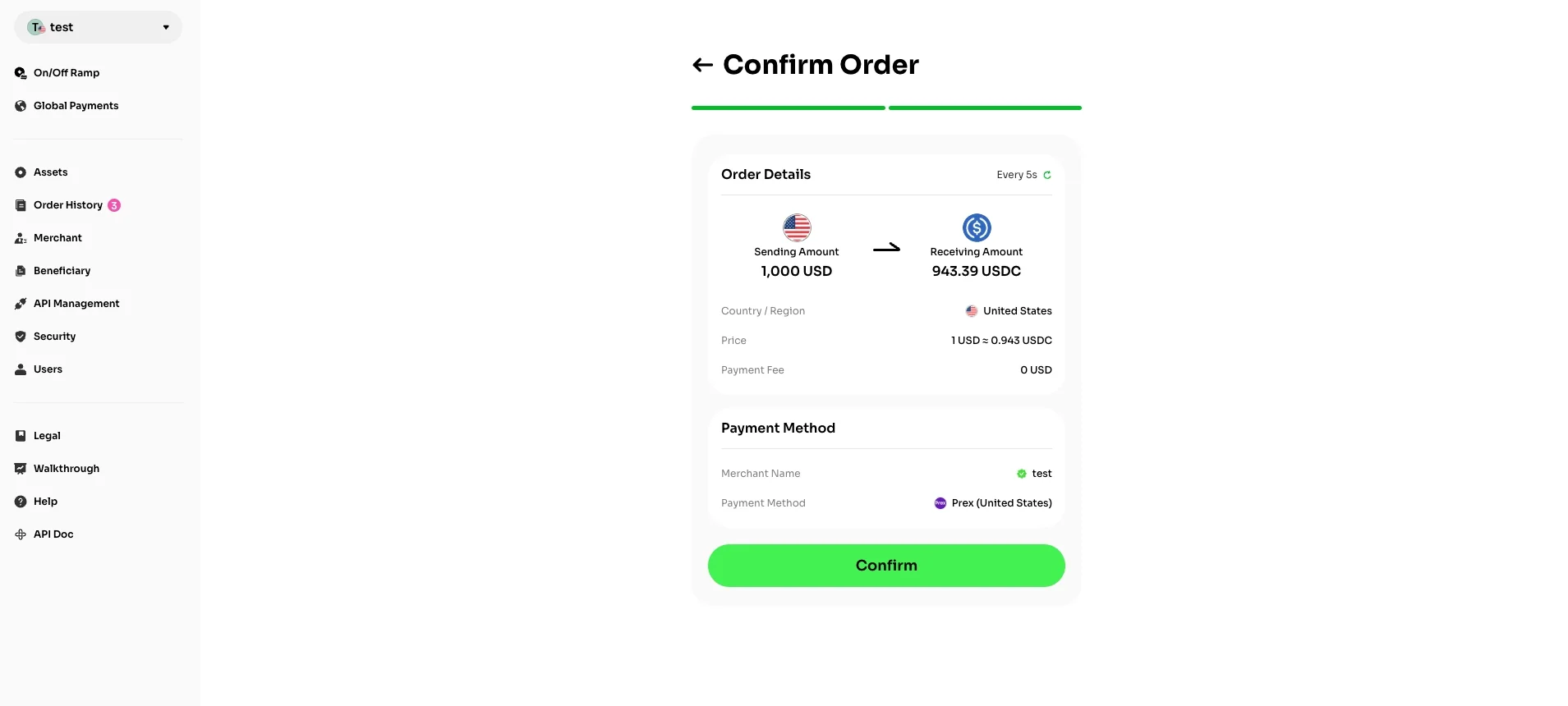
Double-check your order details and click 'Confirm' if everything is correct.
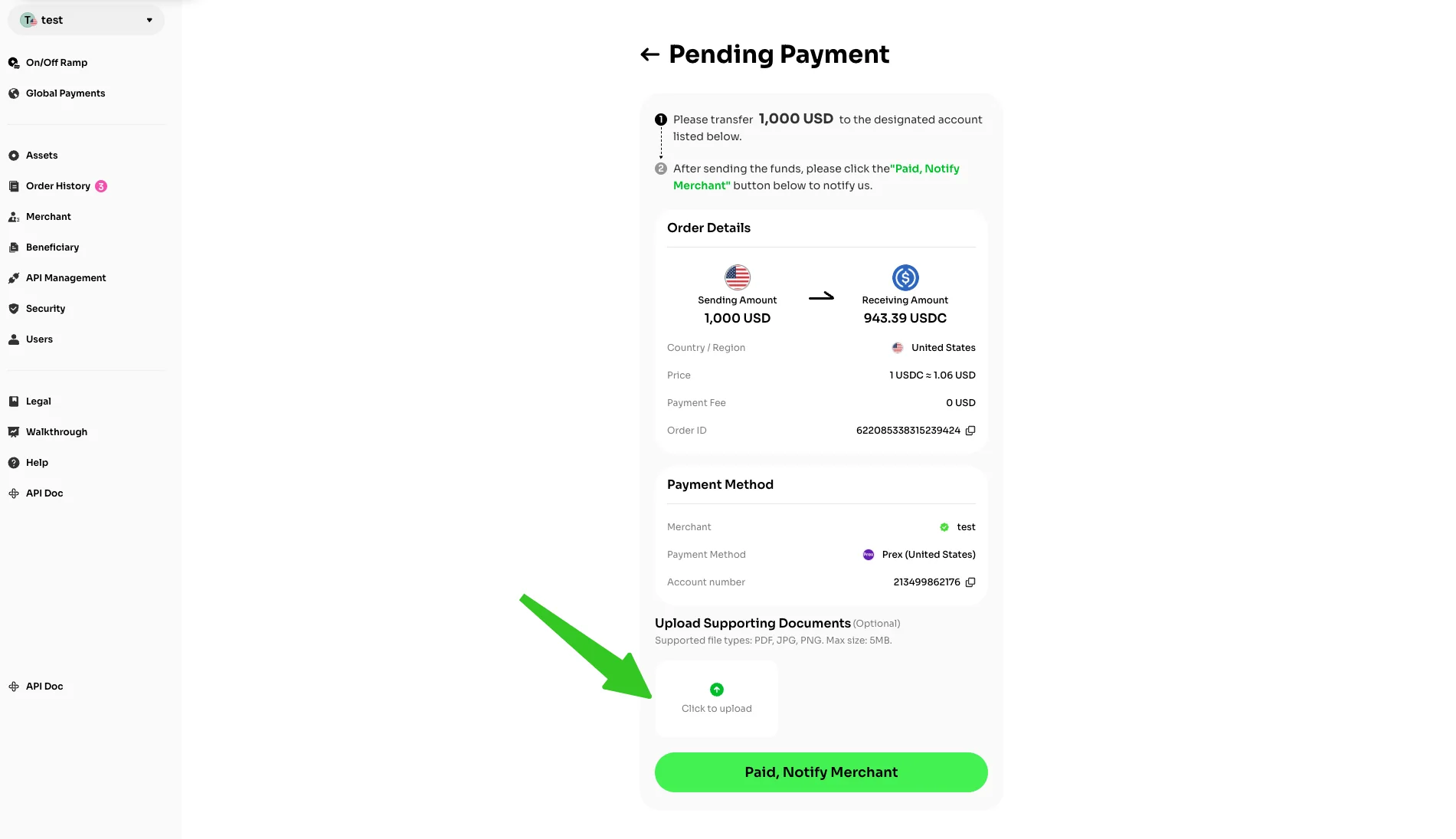
Please transfer the corresponding fiat amount to the designated recipient bank account. After completing the transfer, upload the relevant supporting documents, then click the 'Paid, Notify Merchant' button.
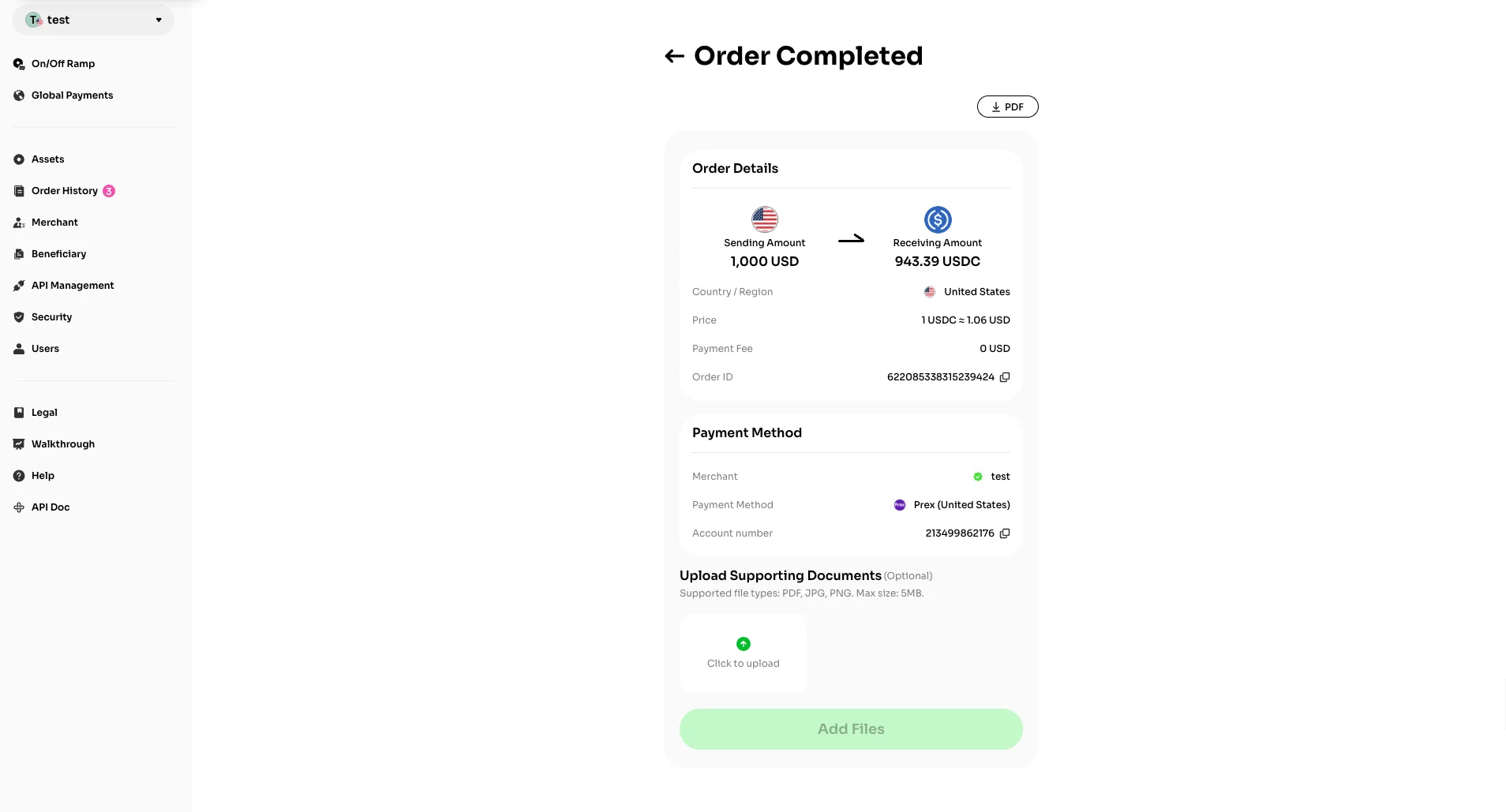
Once the order is completed, the corresponding amount of cryptocurrency will be automatically credited to your VelaFi account.
Sell Cryptos
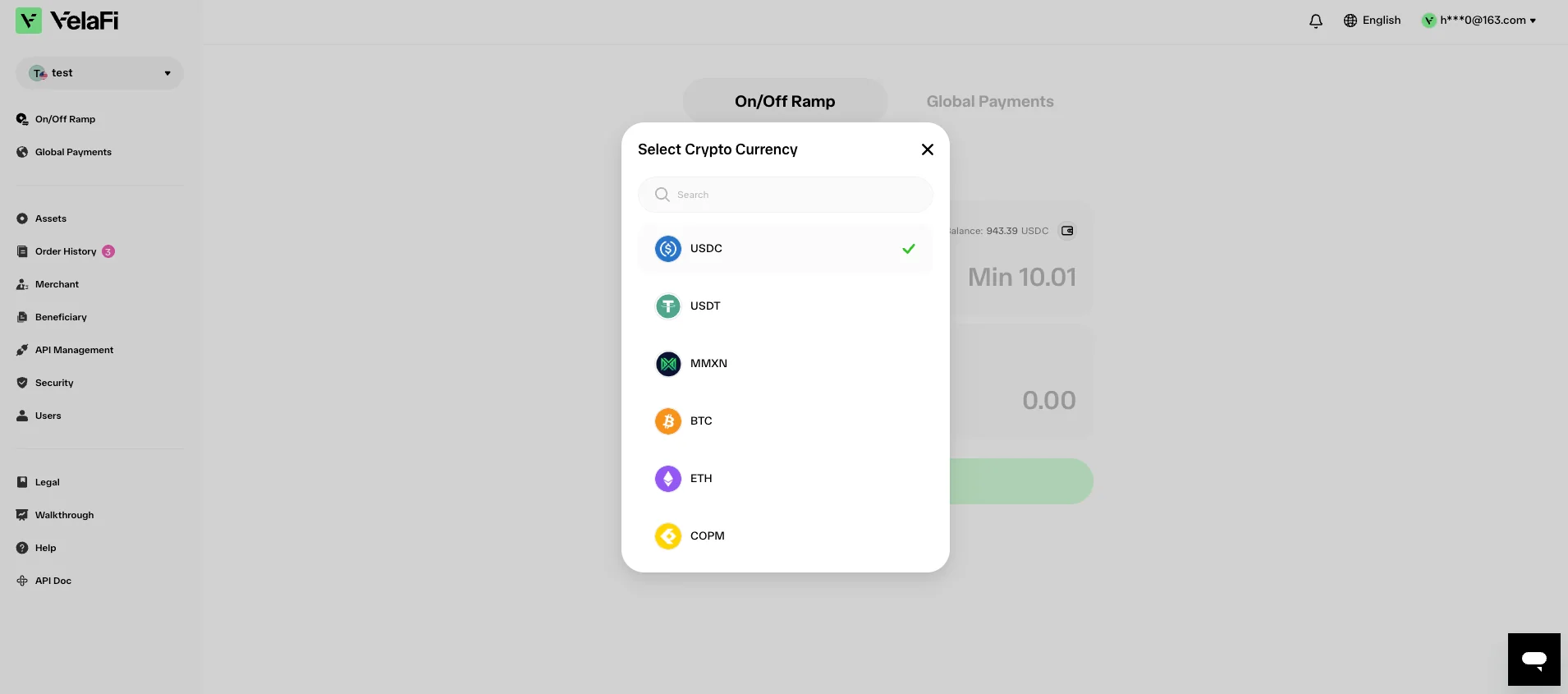
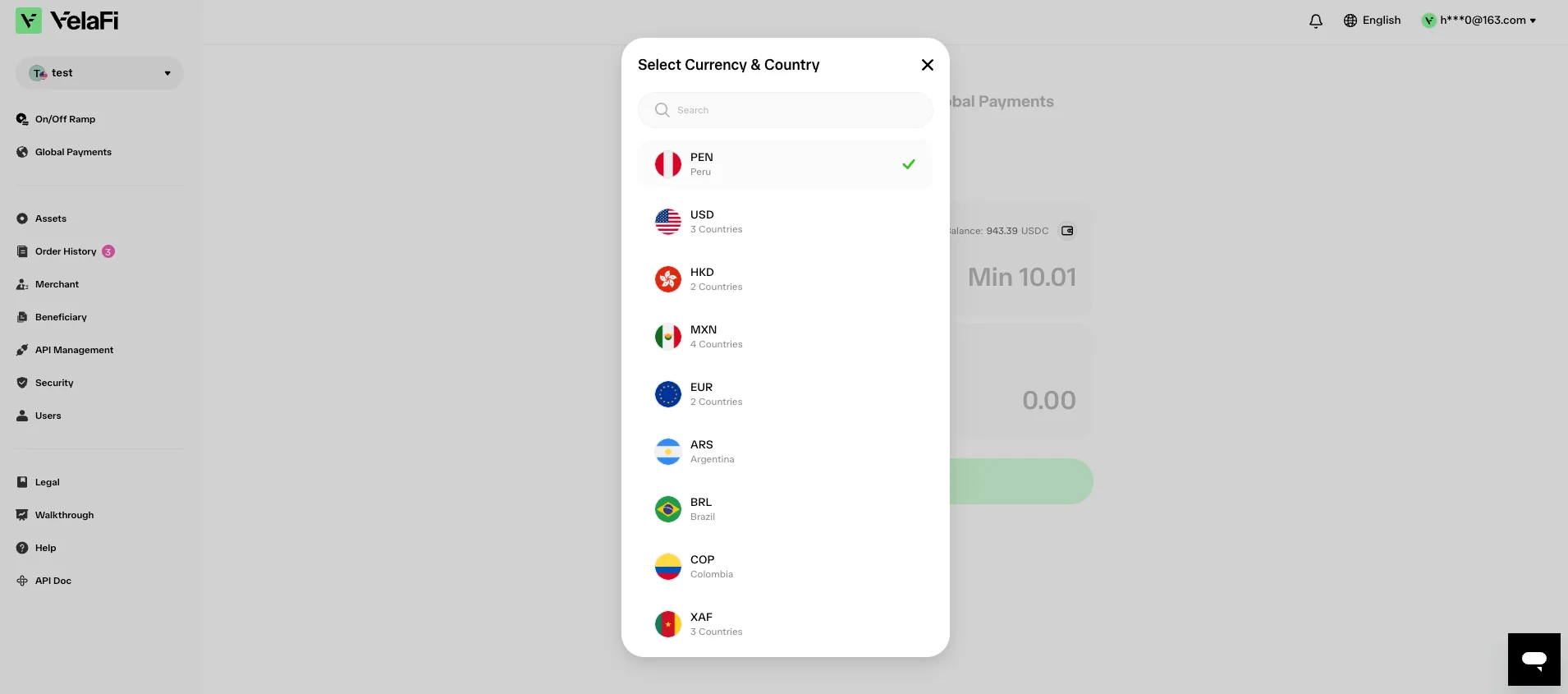
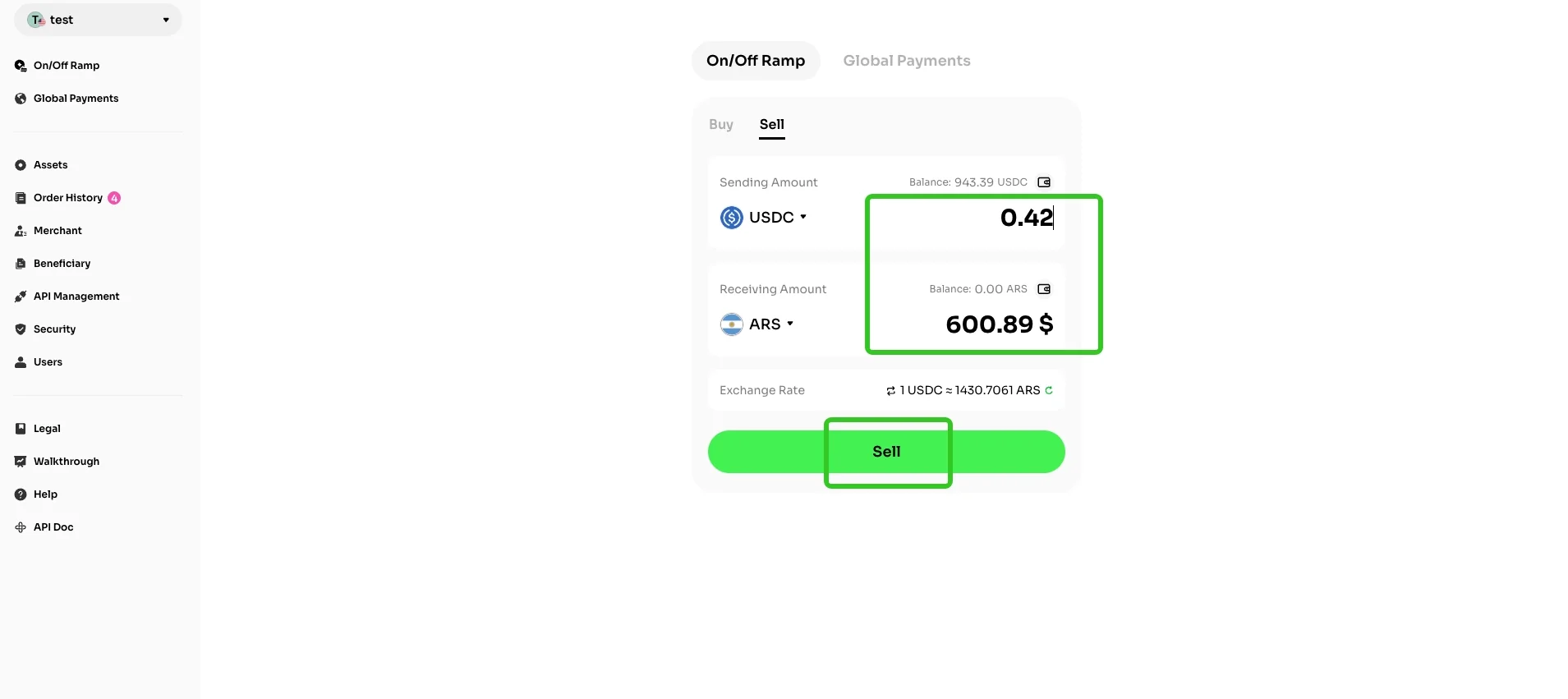
Select the cryptocurrency you'd like to sell and the fiat currency you want to receive.
Enter the crypto sending amount, and the system will automatically calculate the fiat receiving amount. You can also tap the button in the bottom right corner to refresh the exchange rate, then hit 'Sell' to move on to the next page.
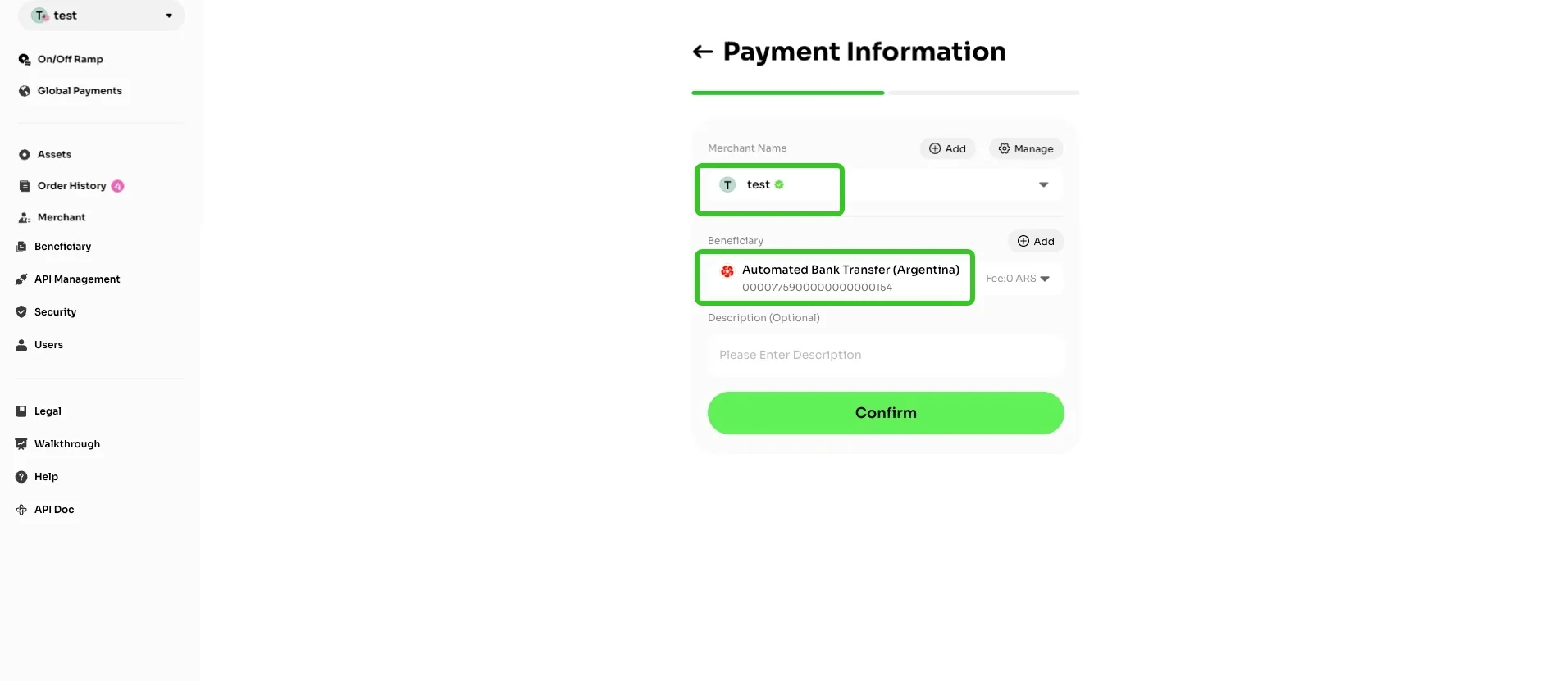
On the 'Payment Information' page, you need to select your merchant account and beneficiary. (To add a new beneficiary, click here to view the detailed process.)
The page will also display the fee structure for each fiat channel, and you can choose accordingly. After verifying that all information is correct, click 'Confirm' to proceed to the next step.
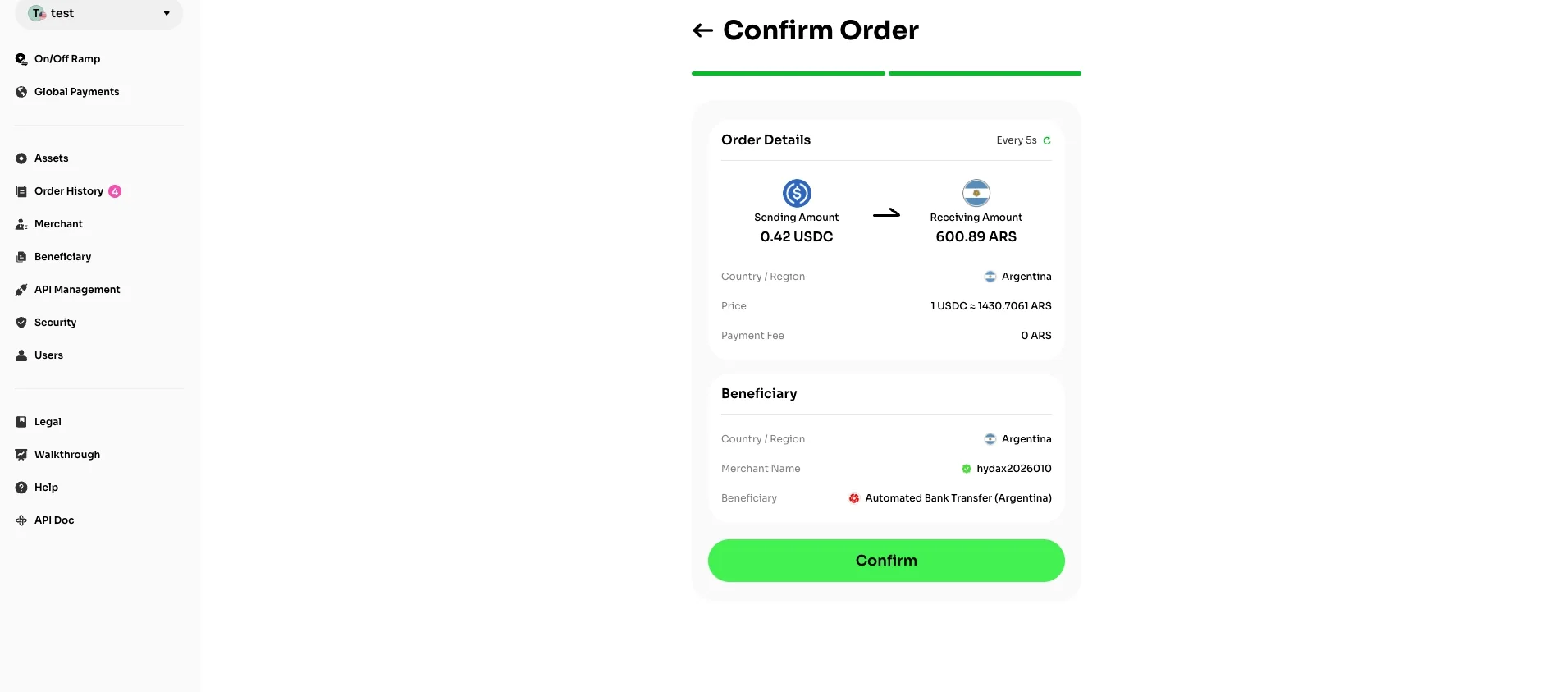
Double-check your order details and click 'Confirm' if everything is correct.
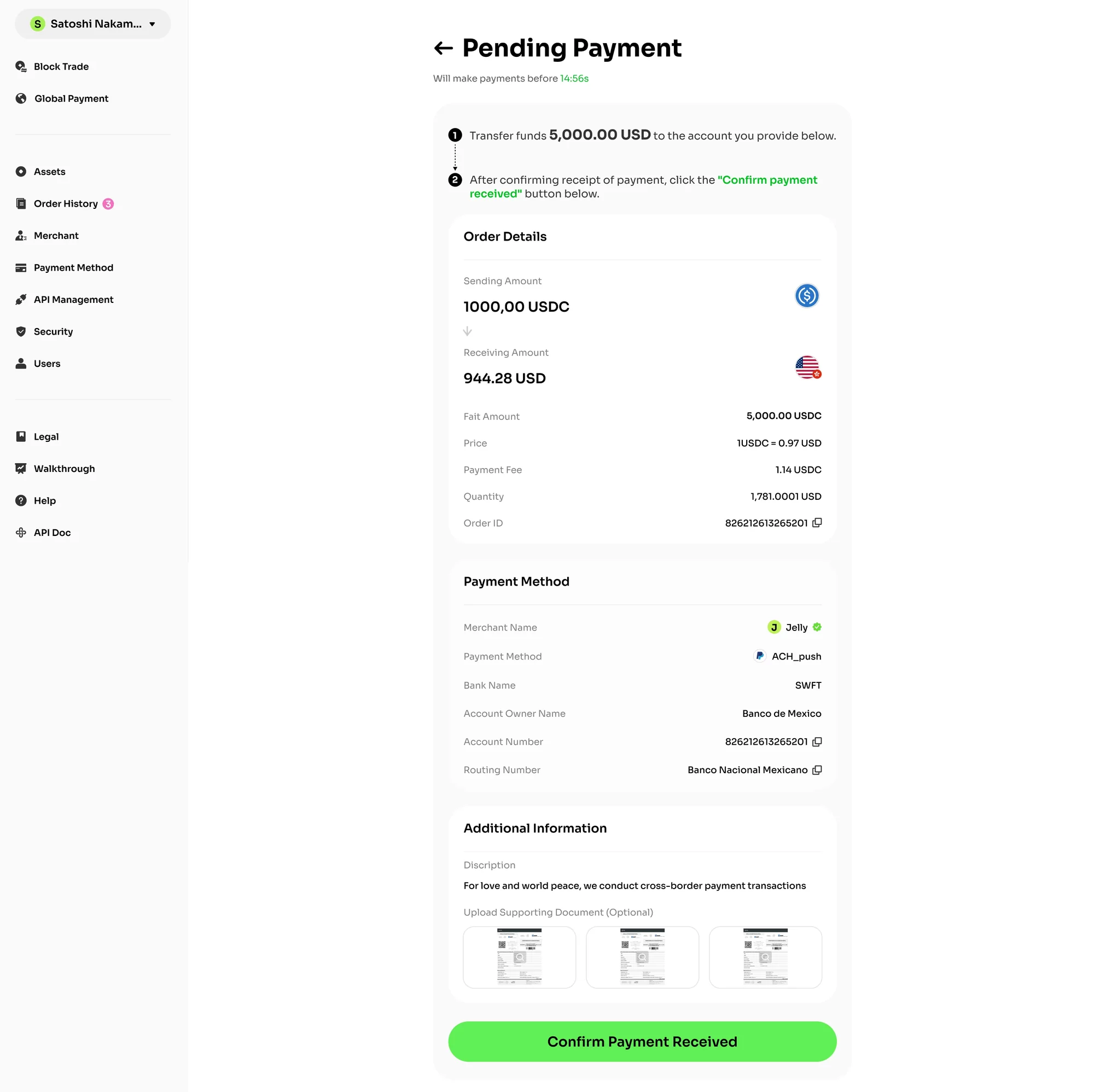
VelaFi will transfer the corresponding amount of fiat funds to the account you provide. After confirming receipt of payment, you can click the 'Confirm payment received' button to release the funds.
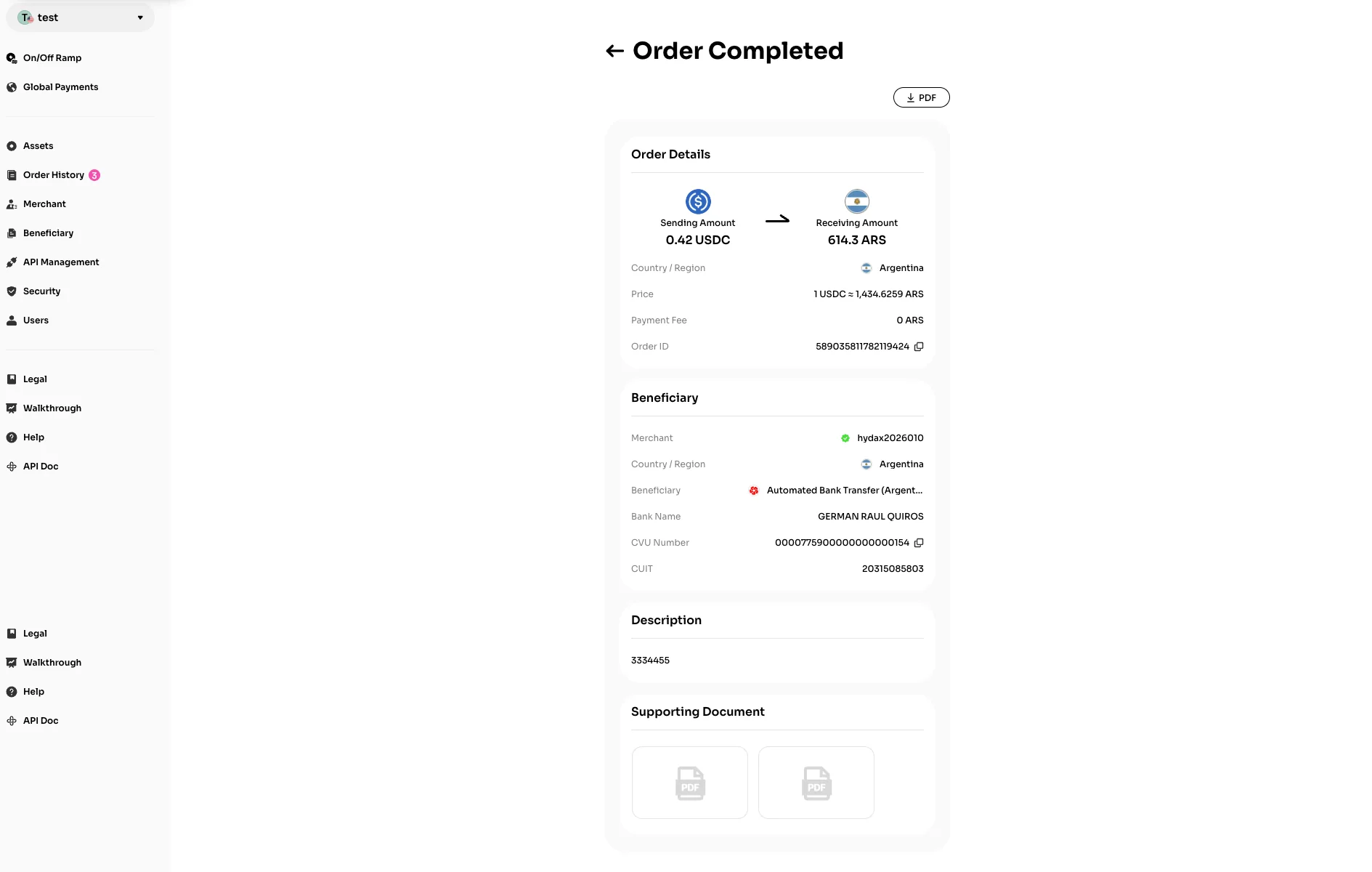
After the order is completed, you may click 'Details' on the 'Order History' page to view comprehensive information.
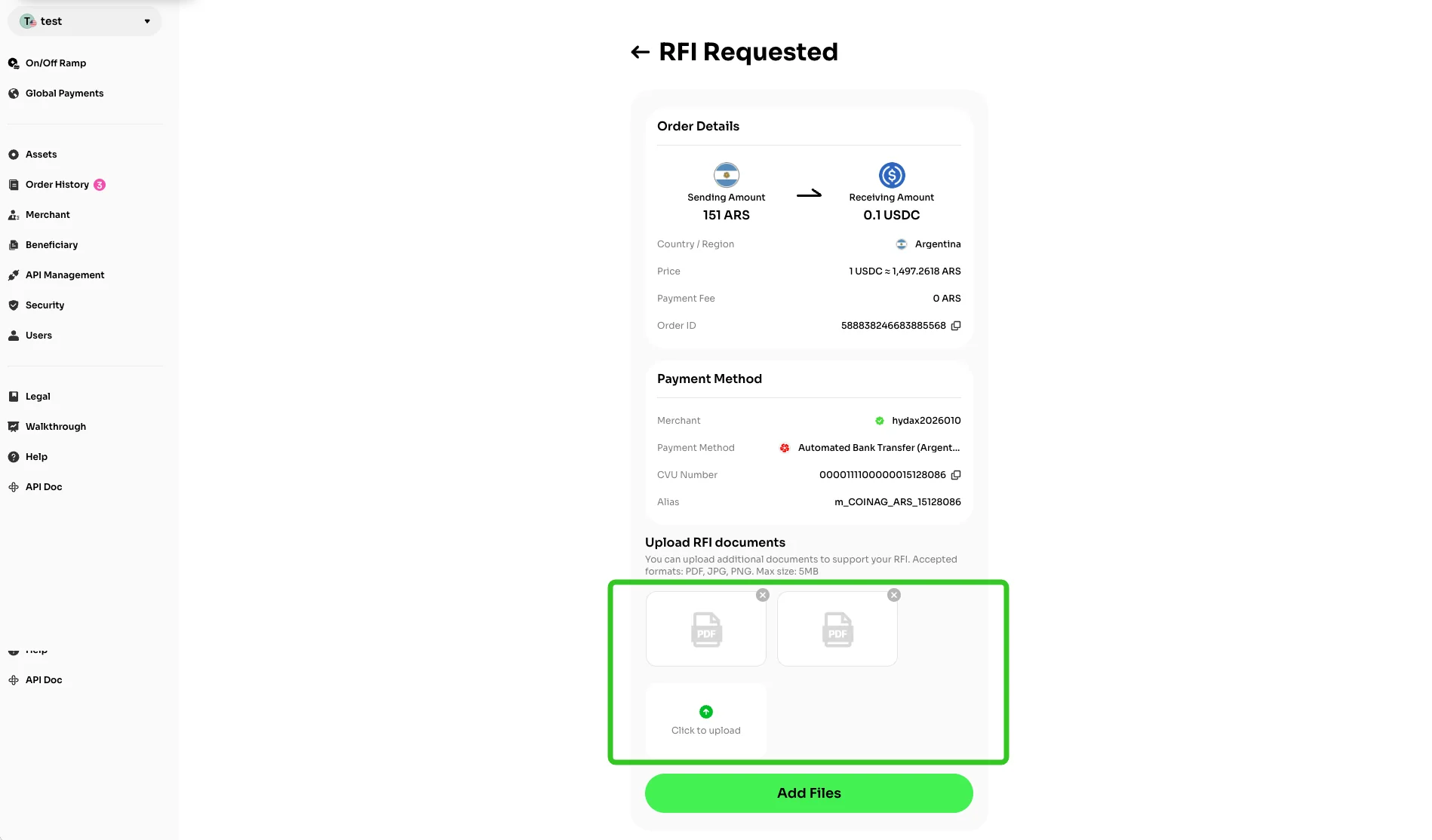
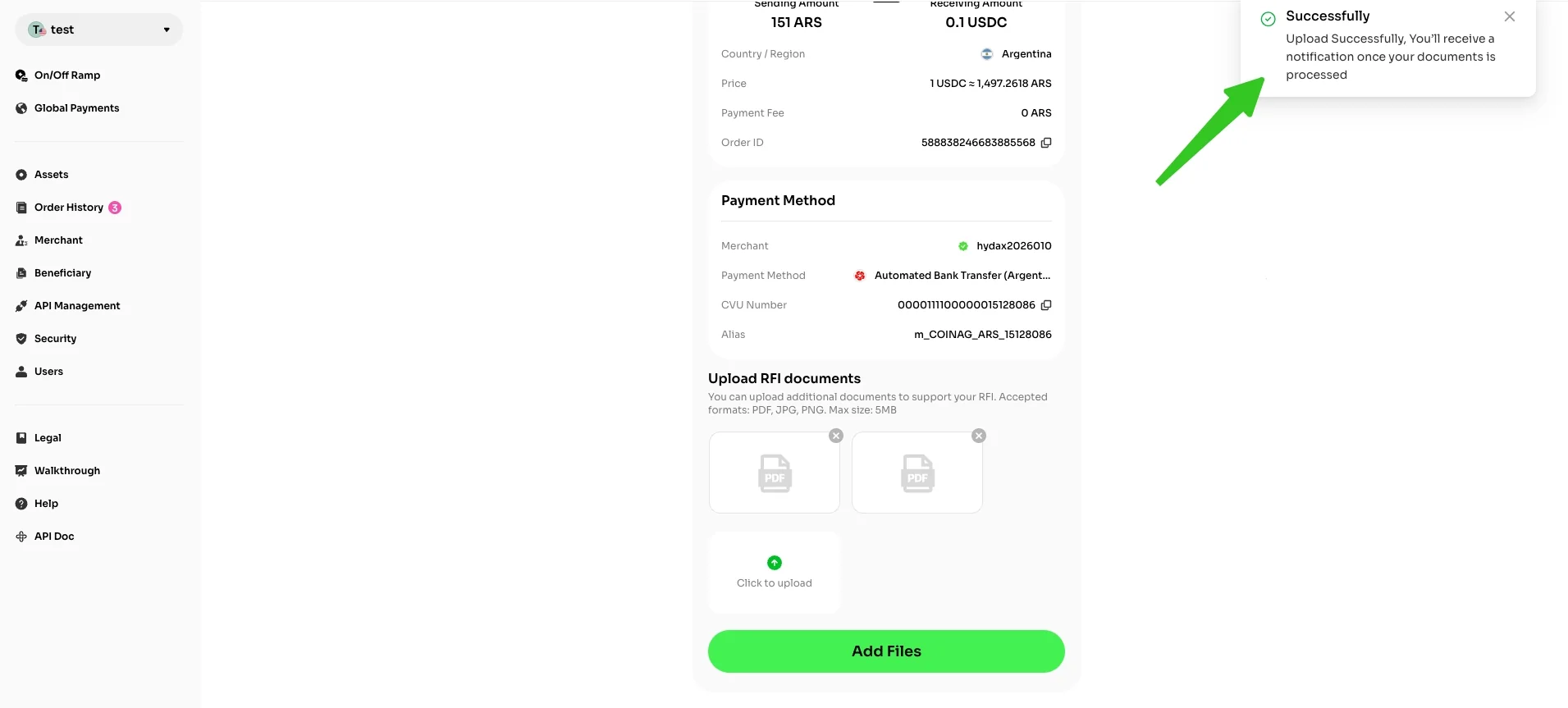
Tips: To make sure your order goes through smoothly, sometimes we need a little additional information from you. Just upload the required documents and we'll review them ASAP.