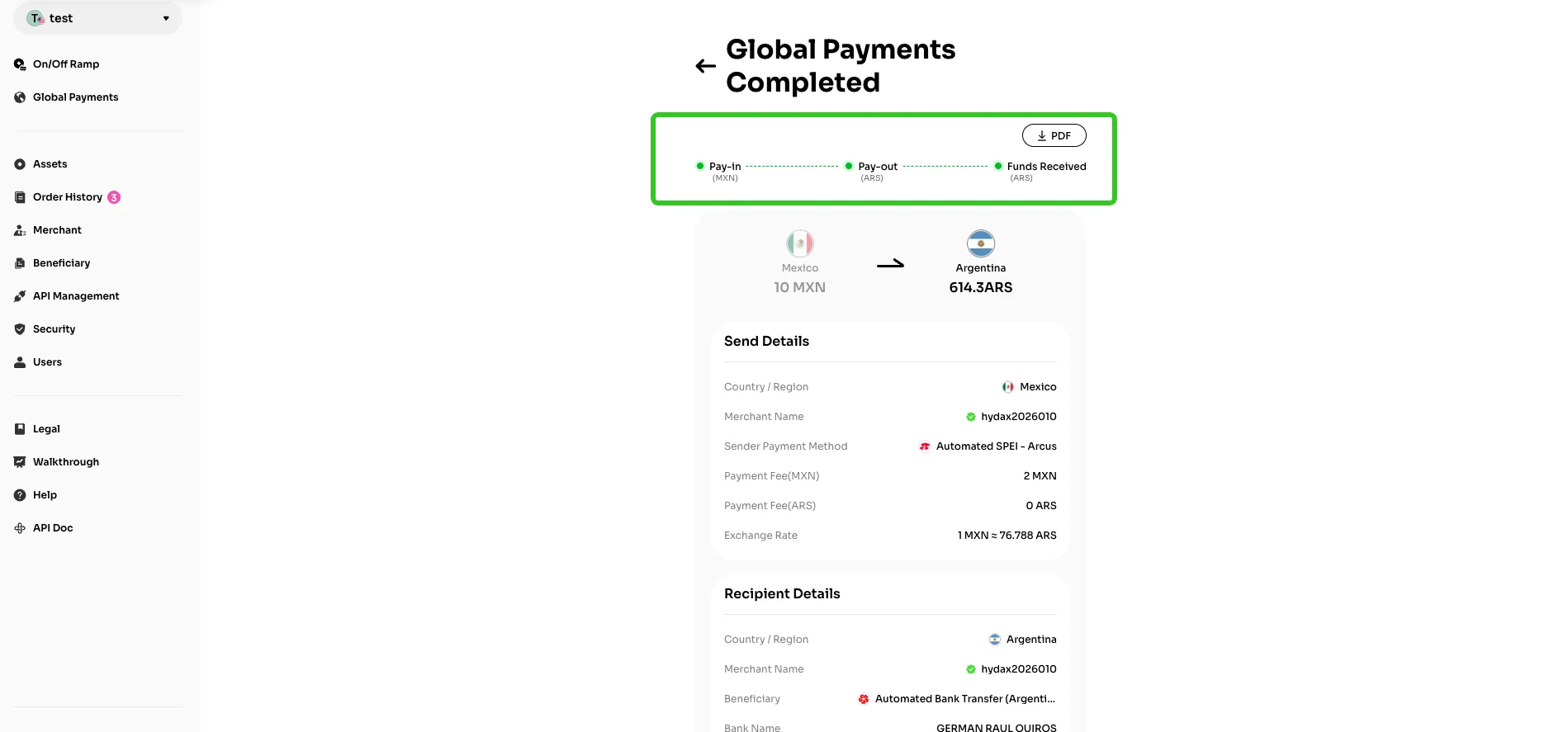
VelaFi Global Payment feature allows you to initiate fiat currency transfers to recipients worldwide directly, enabling seamless cross-border fund movement. On the feature page, you can flexibly select the types of fiat currencies for sending and receiving, complying with payment requirements in different regions.
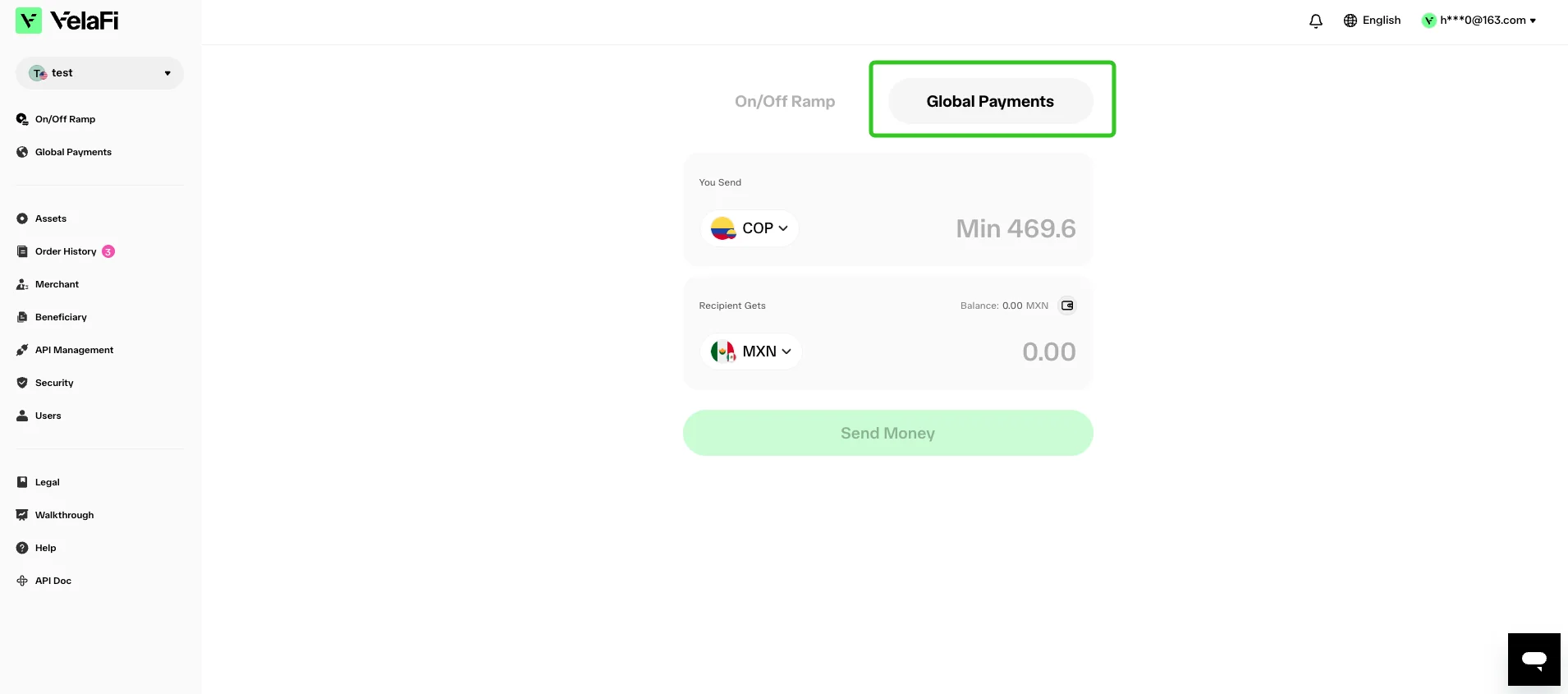
Steps
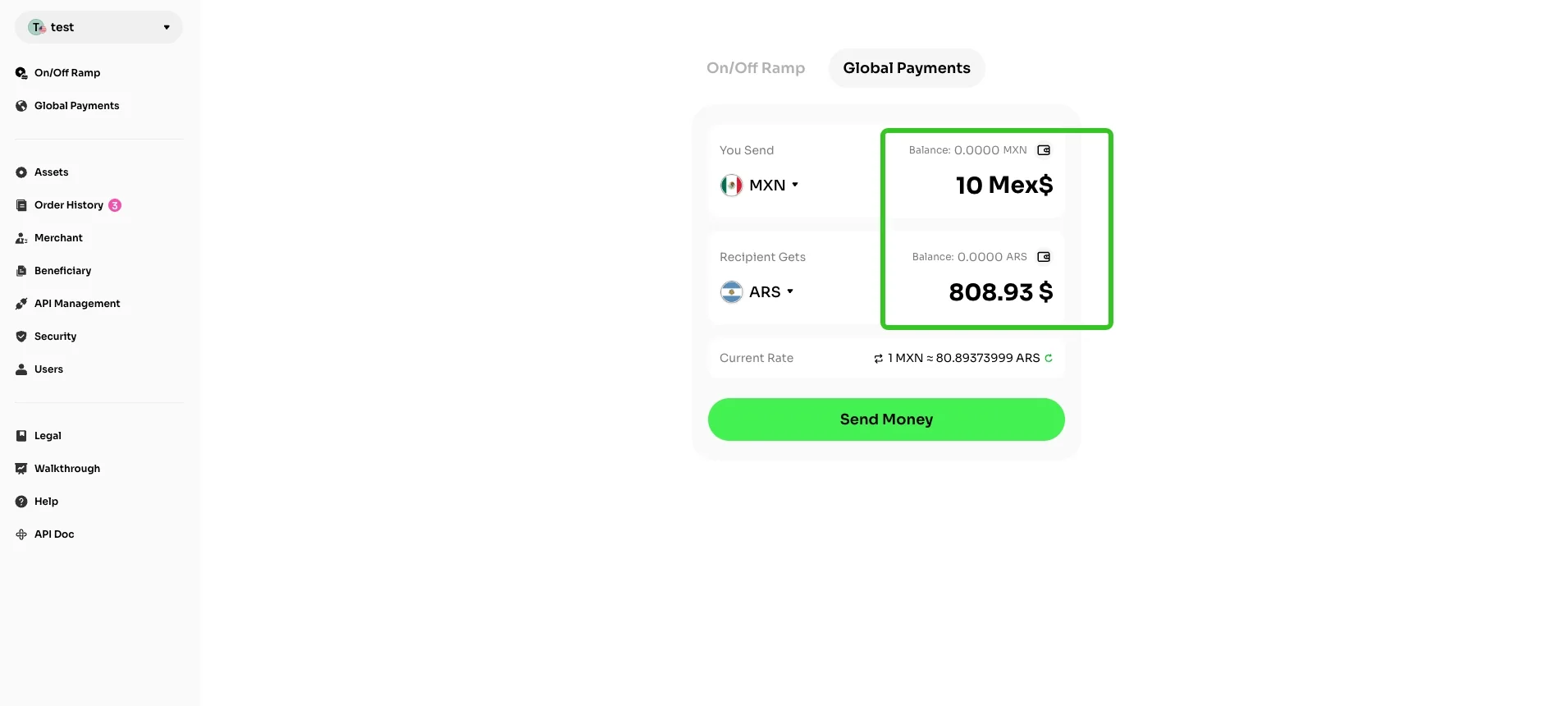
Select your sending fiat currency, and set the corresponding receiving fiat currency for the beneficiary. Additionally, you may click the wallet icon at the top-right of the interface to view the balance of all fiat currencies under your account.
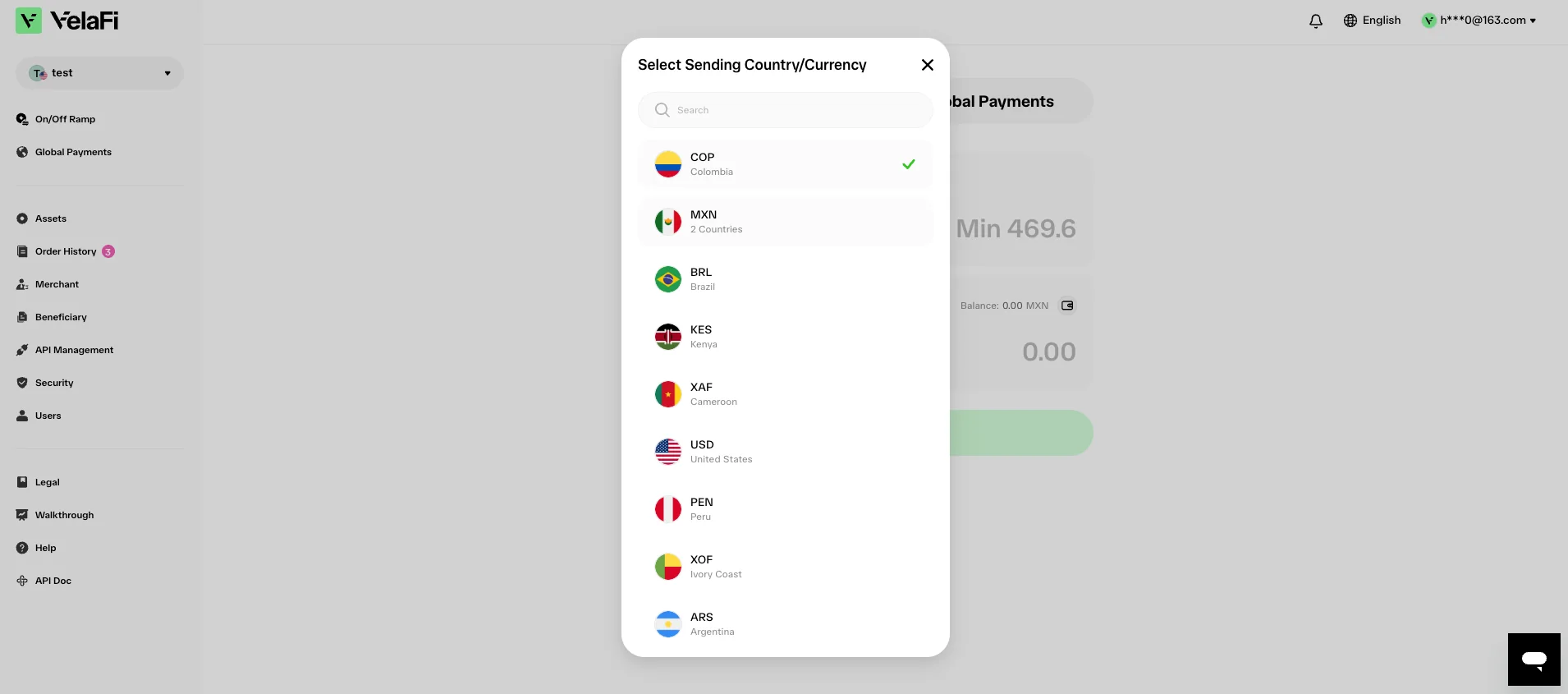
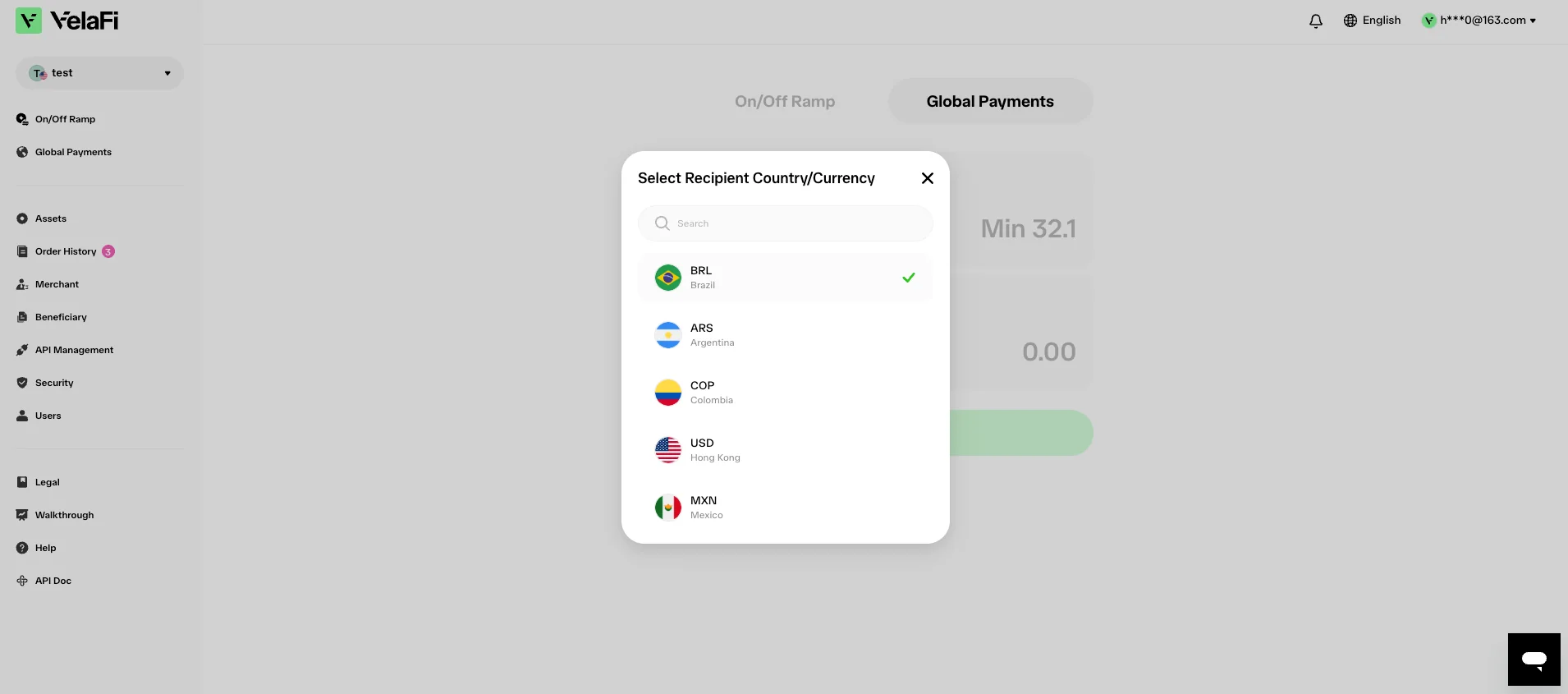
Enter the fiat amount you wish to send, and the system will automatically calculate the corresponding crypto amount. You can also tap the button in the bottom right corner to refresh the exchange rate, then tap 'Send Money' to move on to the next page.
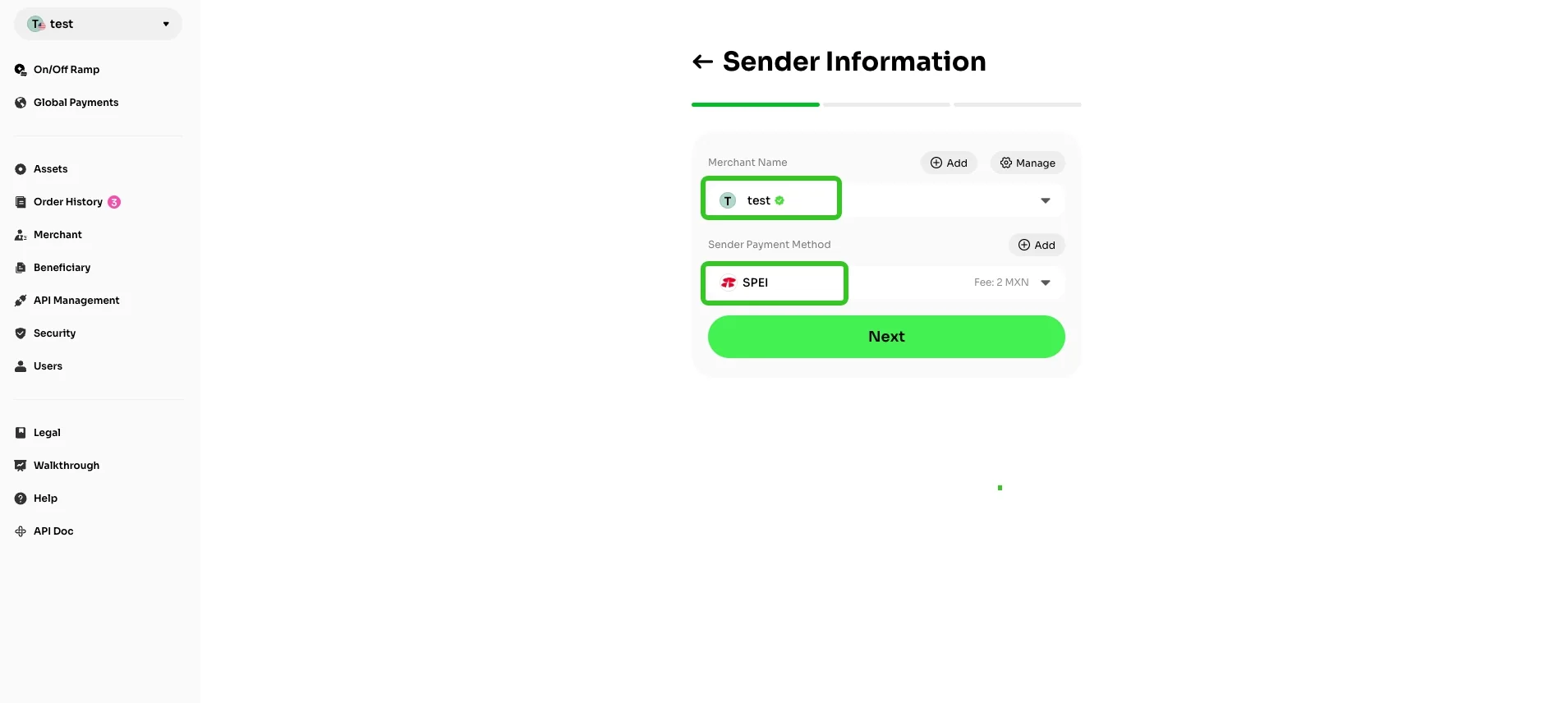
On the 'Sender Information' page, you need to select your merchant account and payment method. The page will also display the fee structure for each fiat channel, and you can choose accordingly. After verifying that all information is correct, click 'Next' to proceed to the next step.
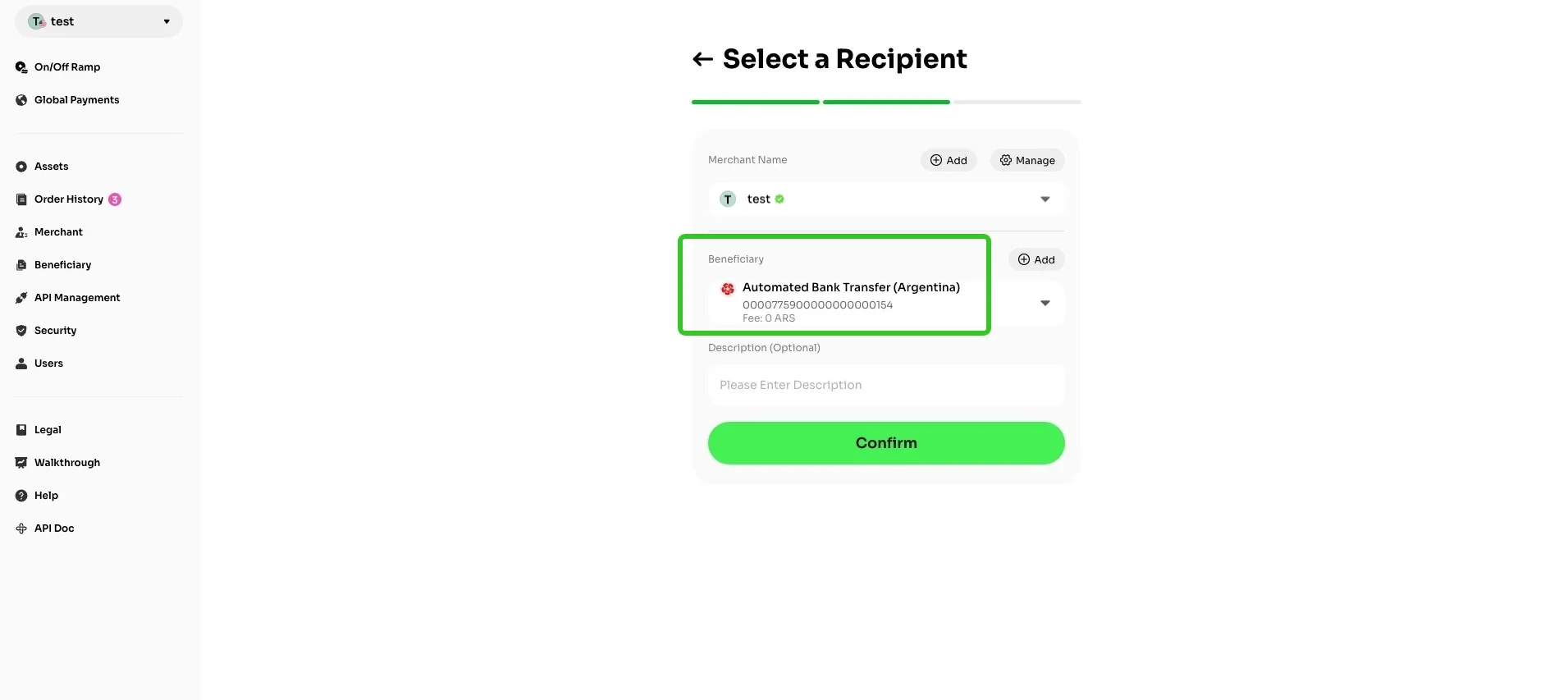
On the 'Select a Recipient' page, configure the beneficiary for this transfer. New beneficiaries can be added by clicking the 'Add' button on the right side. Upon completion of the setup, select 'Confirm' to access the next page.
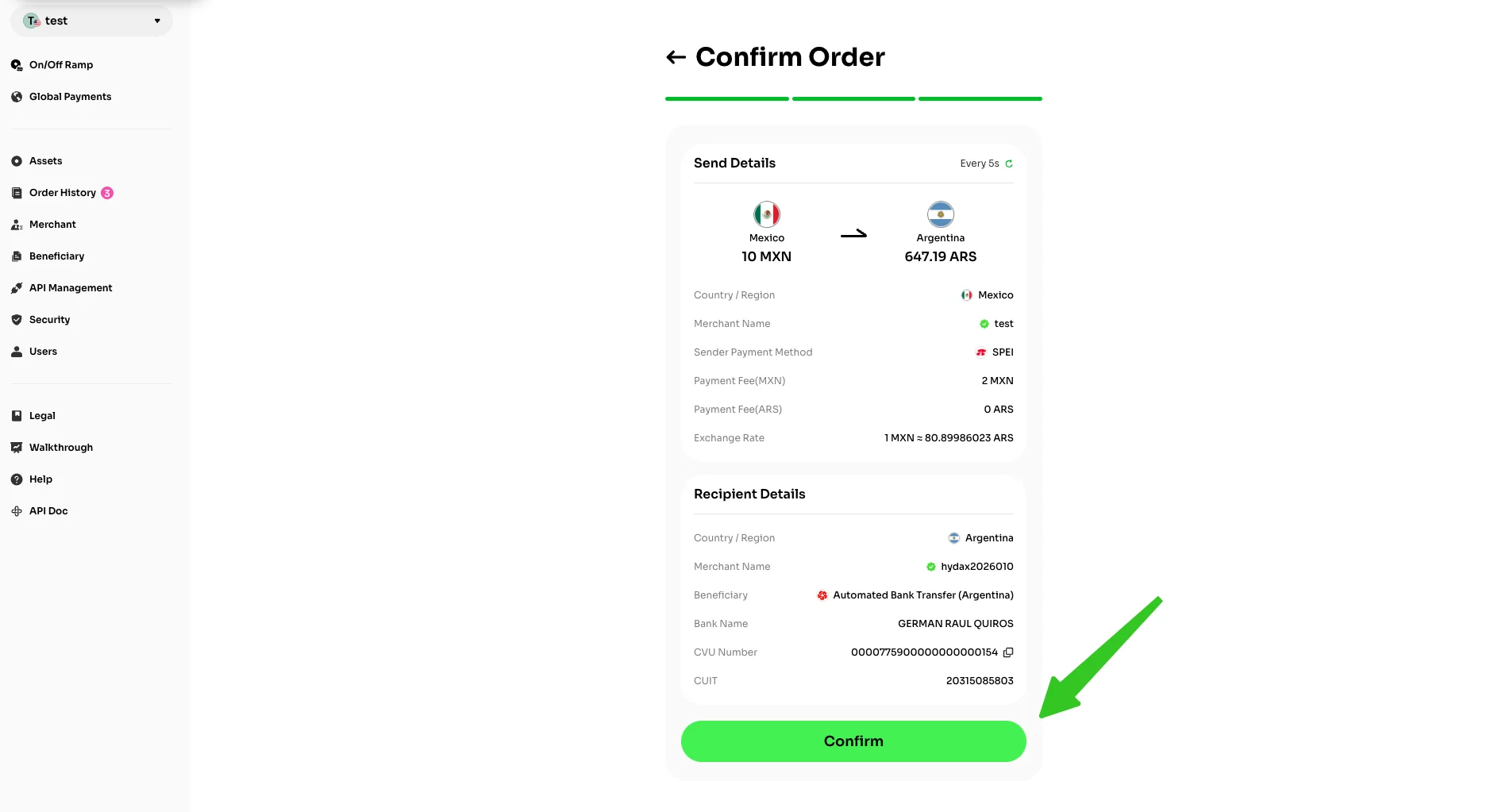
Double-check the sender & recipient information and click 'Confirm' if everything is correct.
The system will initiate processing of your order request, and the order status will be categorized into three stages: 'Pay-in', 'Pay-out', and 'Funds Received'.
You may view the real-time progress on the order details page at any time; once the order is finalized, you can download the corresponding order receipt with a single click.