A 'User' is a person who has access to the VelaFi platform. You may invite team members to join the VelaFi platform to enable collaborative account management by multiple users.
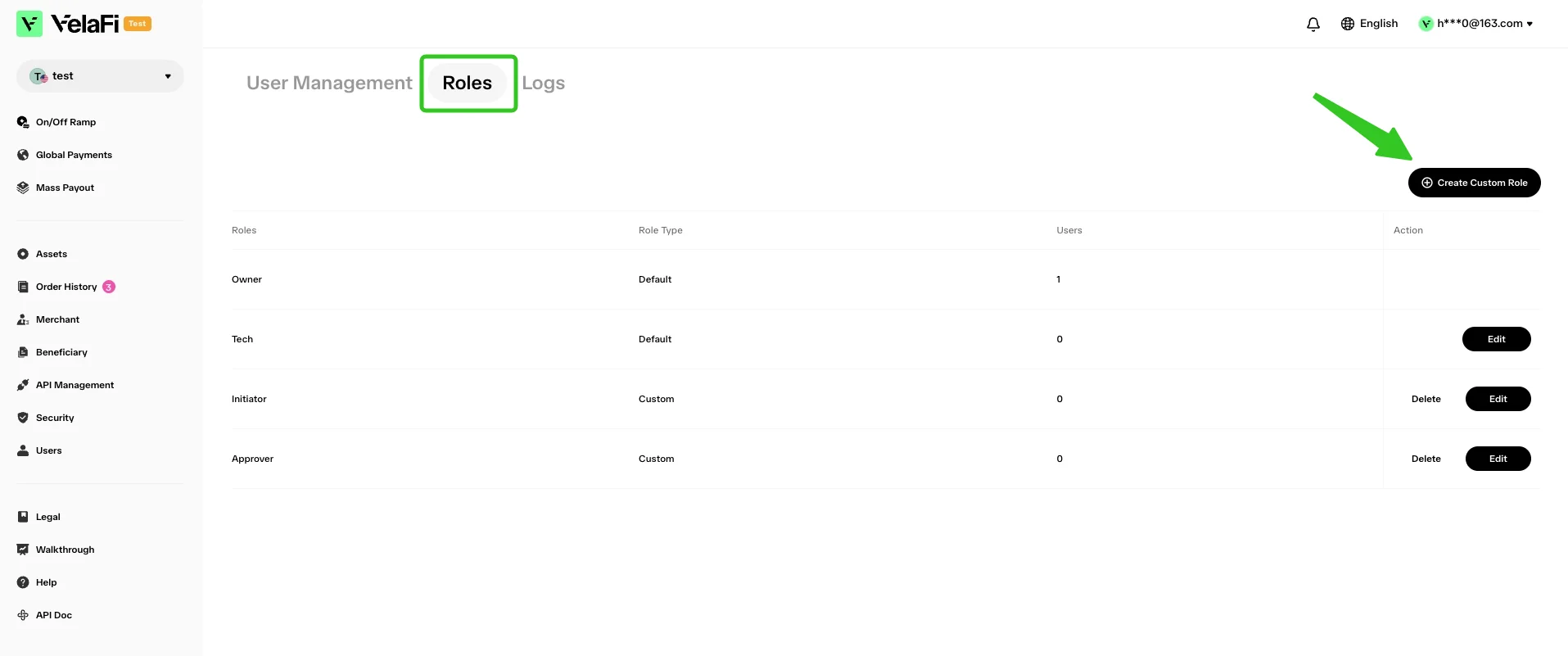
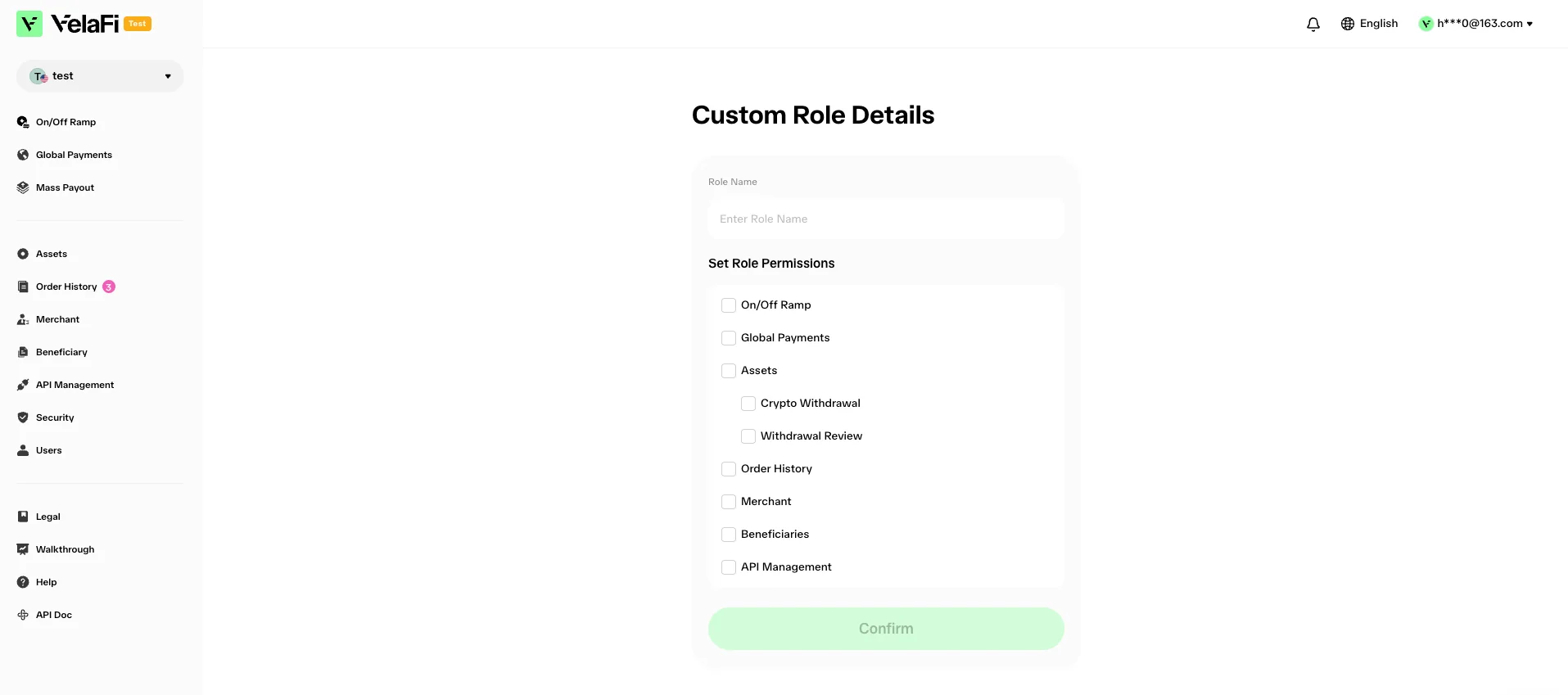
To meet different operational needs, you can create and assign various roles to users (such as Administrator, Operator, and Viewer) and configure their operation permissions for each functional panel.
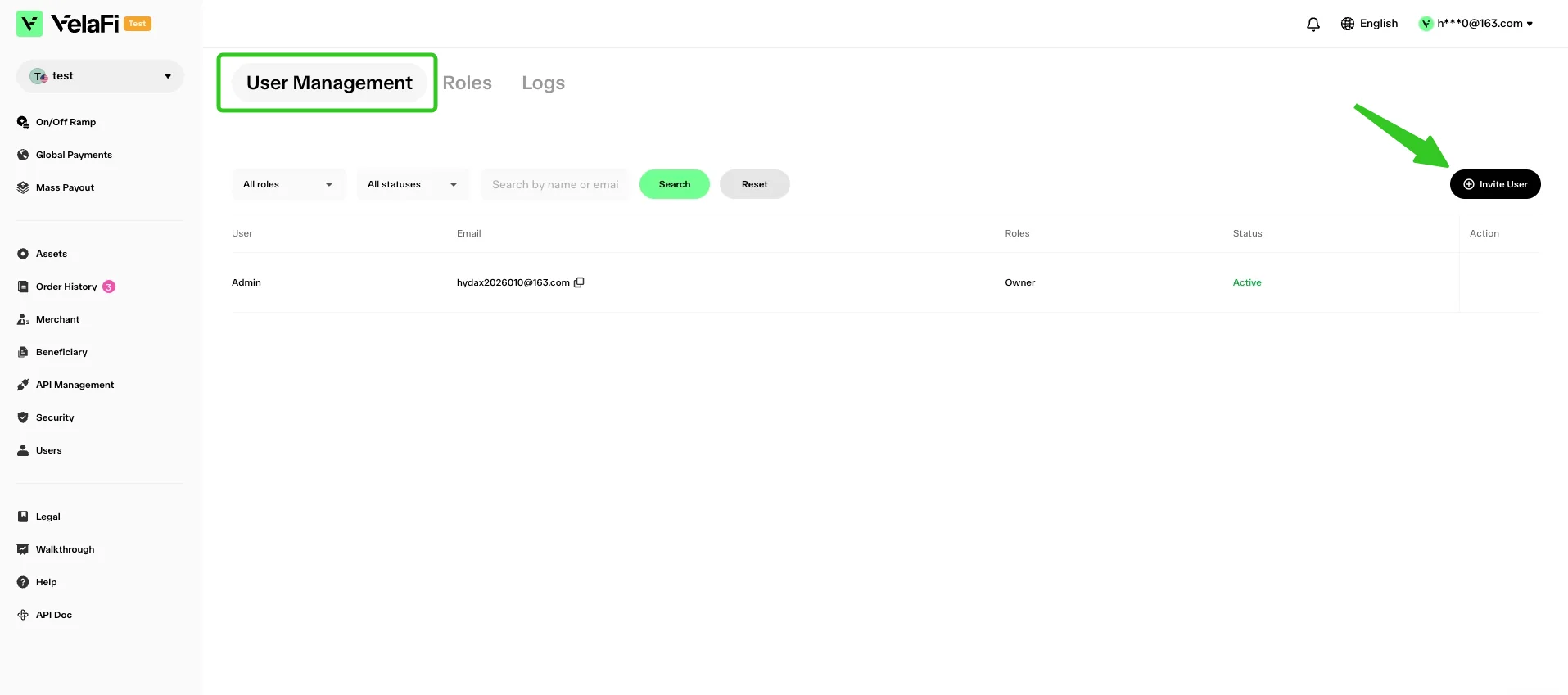
To invite new users, please switch to the 'User Management' tab and click the 'Invite User' button.
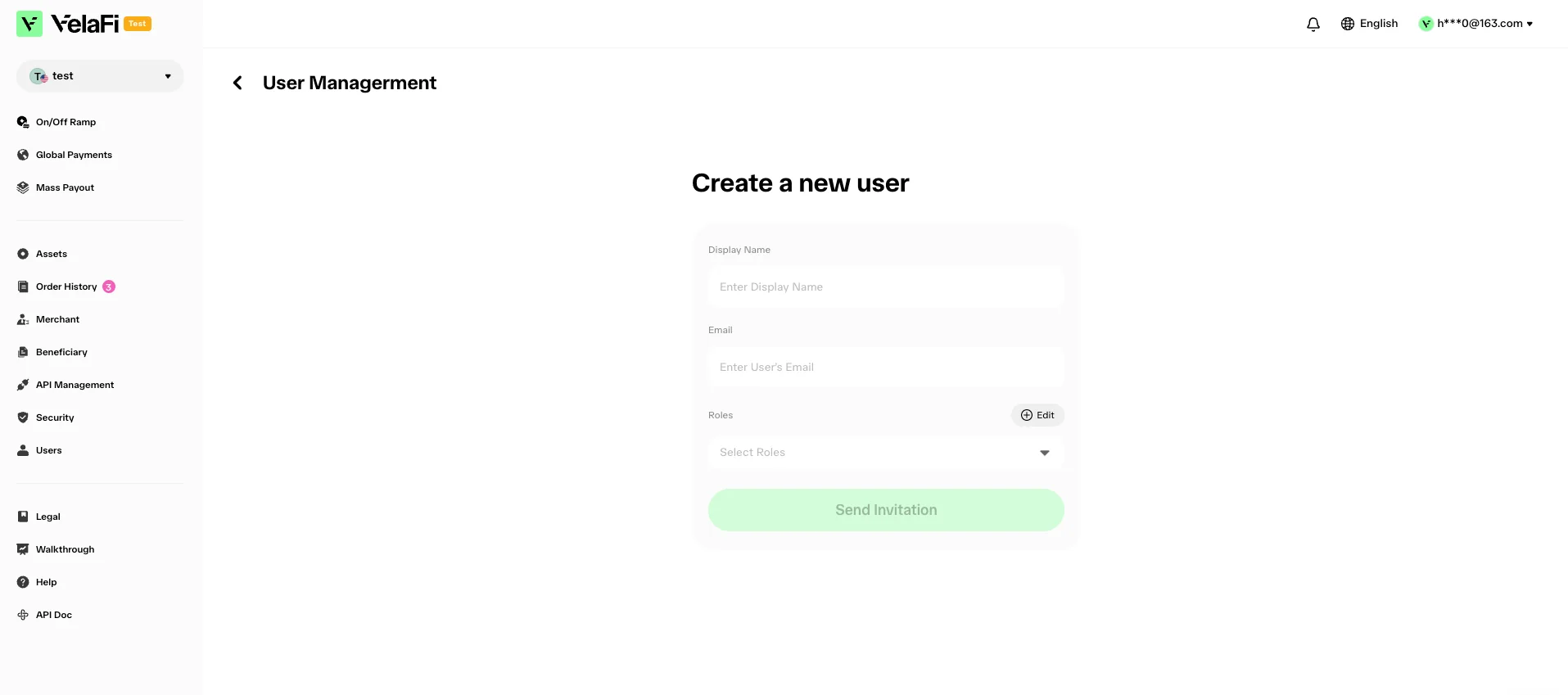
On the 'Create a new user' page, input the user's display name and email address, along with the assigned platform role. Once completed, click the 'Send Invitation' button to invite new users.